
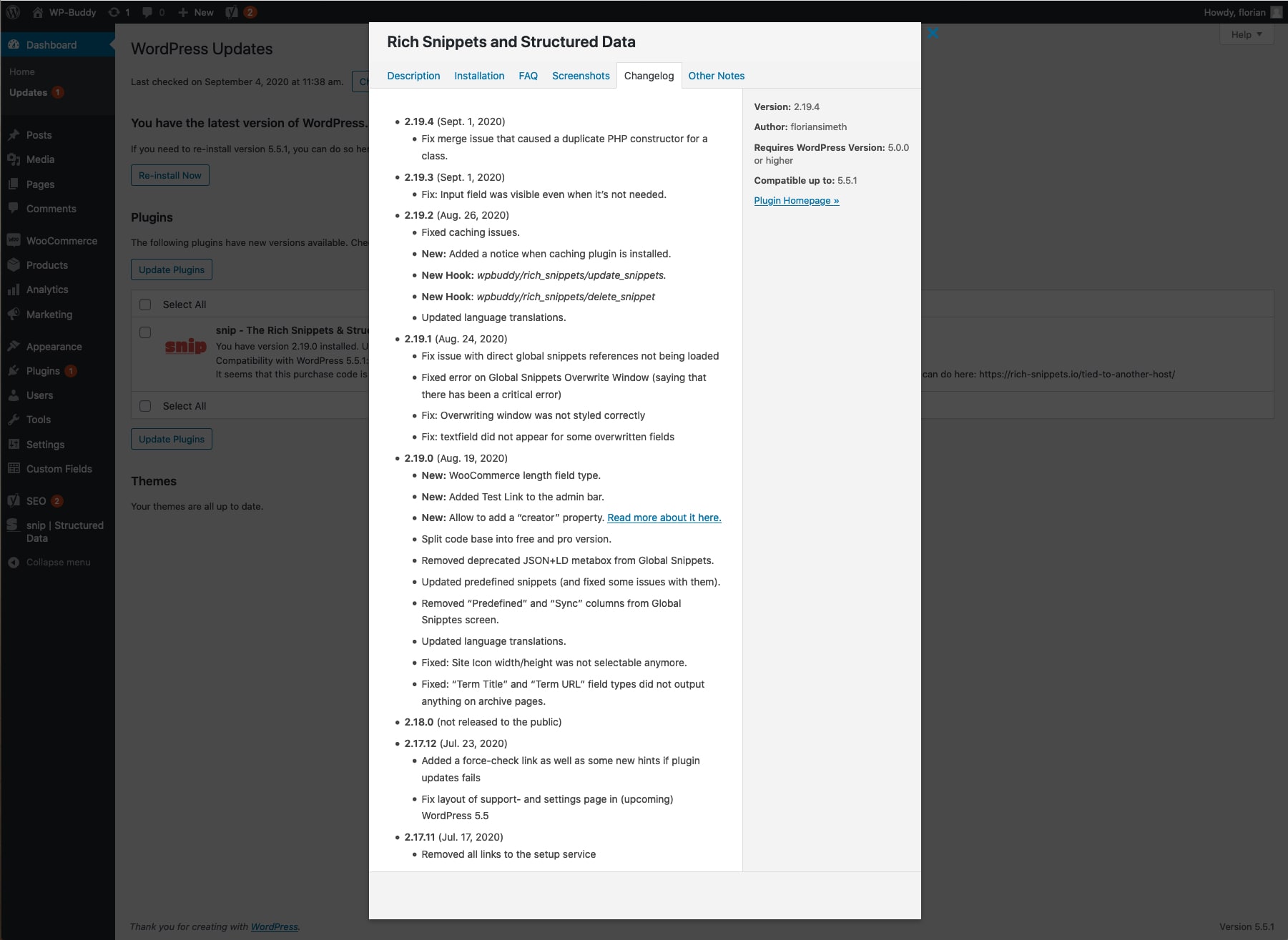
You can see the version history directly in your WordPress dashboard. Just click the “View version x.x.x. history” link in Dashboard -> Update to open the popup (see image).
Below you can find the full history, too:
[rsm_acf_field field=rsm_changelog]